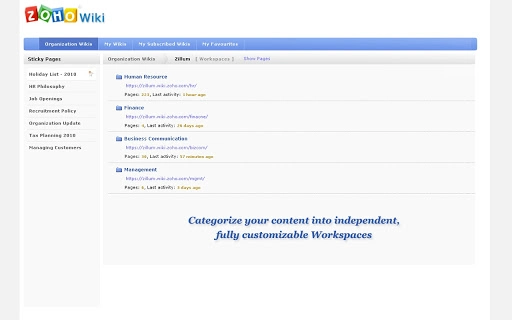

With Zoho Wiki you can easily create online workspaces for content sharing within a group. Create personal / public/ private team wikis and start collaborating with your project teams, clients & partners across the globe. No special technical knowledge is required to set up the wiki and you can get started within minutes.How does Zoho Wiki help me?* Workspaces : Categorize your content into independent, fully customizable workspaces.* Widgets: Make your content more interesting by embedding photos, videos and presentations* User Management: Easily configure who gets to post, who can only view and who has the full control in no time.
Collaborate with third parties likes clients & partners* Customization: Get full branding control of your portal - logo, colors and more. Create your own style-sheet and completely customize your portal.* Notifications: Keep a 'Watch' on all the changes happening in your Wiki or Workspace or a particular pageWhat can I use Zoho Wiki for?* Organization Intranets: Zoho Wiki can be used to run the intranet with no specialized software or servers. You can upload Company Policy documents, Presentations and access them online* Team Collaboration Portal: Zoho wiki allows different teams to have their own space and at the same time collaborate with other groups.* Enterprise Wiki : Zoho wiki comes with enterprise-level security and fine grained access controls, you can use it as an enterprise wiki within your organization.* Online KnowledgeBase: With Zoho Wiki, build Product Help documentation, User guides, FAQs & troubleshooting guides online.* Education: Create classroom wikis and share resources with students and fellow teachers using Zoho Wiki.
Build interactive course content using images and videos and ensure student & parents participation.







